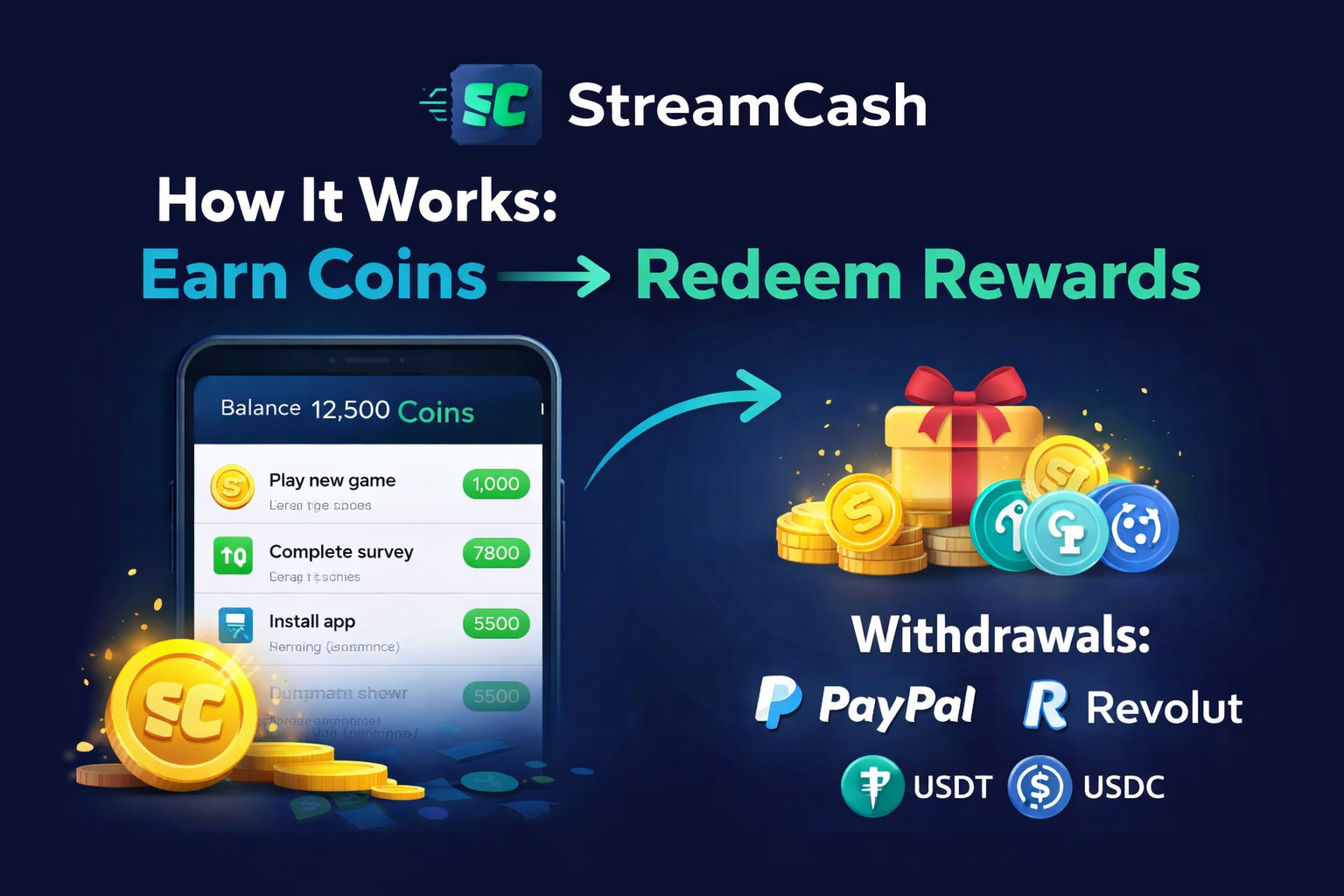
StreamCash: How It Works (Earn Coins → Redeem Rewards)
StreamCash is a rewards app where you earn coins from simple activities and redeem rewards using popular withdrawal options. This guide explains how the system works, plus safe tips to earn efficiently.
Updated:
1) Earn Coins
Complete activities inside the app to earn coins.
2) Track Balance
Your coins add up in your account balance.
3) Redeem Rewards
Redeem via available withdrawal methods shown in-app.
Quick Navigation
What is StreamCash?
StreamCash is a rewards app built around a simple loop: earn coins → track your balance → redeem rewards. Start by installing the app, then explore features at your own pace.
How coins work
Coins are your in-app balance. Activities can require validation before crediting (normal for rewards systems).
- Earn coins from activities inside the app.
- Track your balance in your profile.
- Redeem via available methods in the Withdraw section.
How to earn coins
The best results come from daily consistency. Small sessions beat rare long sessions.
Complete activities
Finish each activity fully to avoid missing credit.
Keep it stable
Stable connection + one device/account is best.
Track progress
Check balance and history for transparency.
Withdrawals & redeem options
Available methods are shown inside the app (availability can depend on region and configuration).
- PayPal
- Revolut
- Bank transfer (where available)
- Crypto such as USDT and USDC (where available)
Need help? Contact Support →
How to earn coins faster (without getting flagged)
- Be consistent: daily small sessions beat rare long sessions.
- Finish tasks: incomplete steps are the #1 reason for missing credit.
- Stay stable: avoid switching networks mid-activity.
- One account, one device: multi-account patterns can trigger review.
- Save proof if needed: screenshots help support solve cases faster.
Safety & fair use
StreamCash uses fair-use checks to protect honest users and keep rewards sustainable. Avoid automated tools and suspicious patterns.
- Don’t use automation tools (auto-tap, emulators, fake installs).
- Keep profile details accurate.
- If something looks wrong, contact support with details.
FAQ
Why did my coins not show up instantly?
Some activities require validation before crediting. If it’s been unusually long, take screenshots and contact support.
What should I include when contacting support?
Include the email used in the app, what you completed, the approximate time, and any transaction/reference IDs if available.
Where can I download StreamCash?
Use the official download section: streamcash.org/#download.
Can I preview the app before installing?
Yes — check the StreamCash gallery.